Time tracking for people who bill by the hour
A record you can stand behind weeks later: every session dated, timed and described, on your phone or in a browser. Free, English and Spanish.
Clock in, clock out
Start when you start, stop when you stop. It keeps running when you close the app and it survives a restart.
Get the app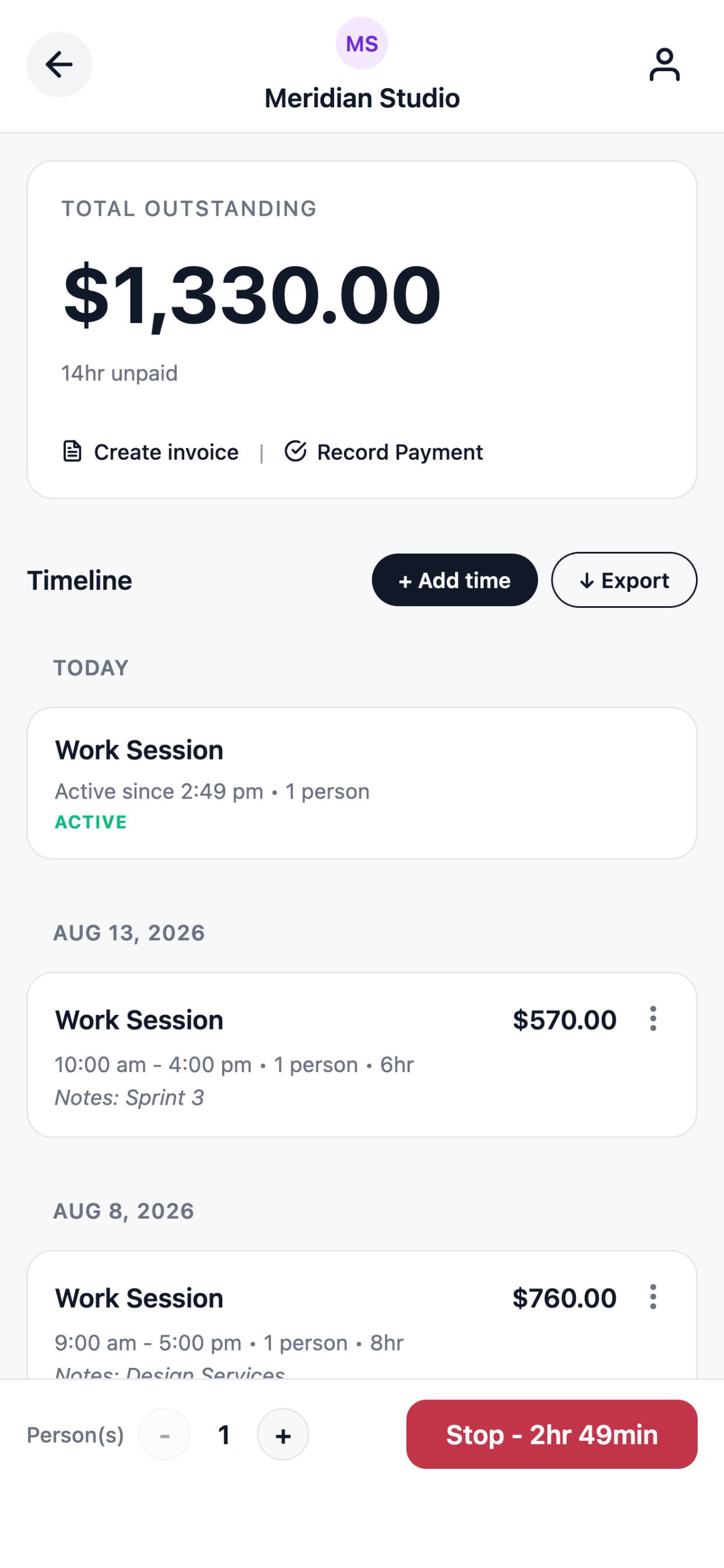
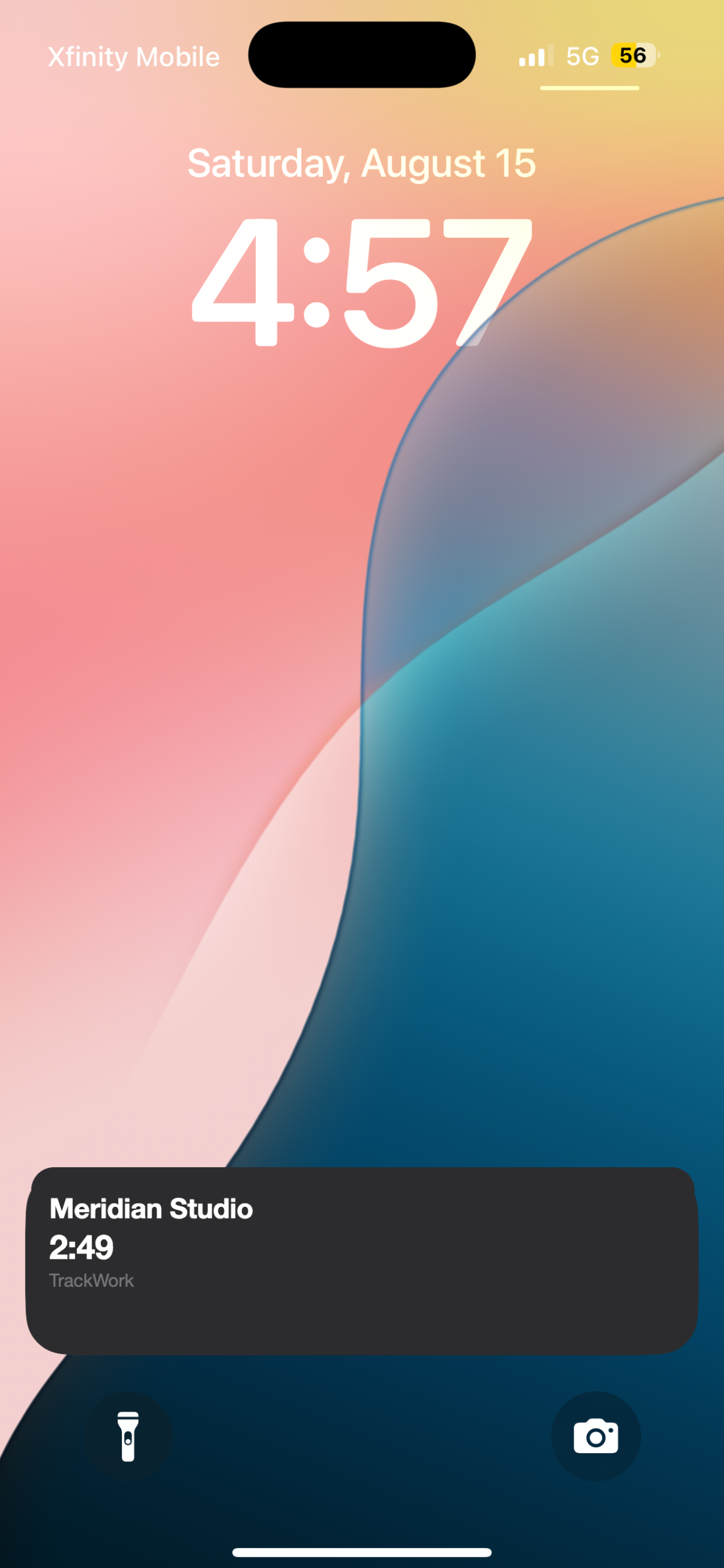
See which client the clock is on, without unlocking
On iPhone the lock screen shows the client and the running clock for the first few hours. Tapping it opens that session with Stop already on screen, rather than a hunt through the app. iOS retires the lock screen display after a while; the session carries on regardless.
Hours and money, per client
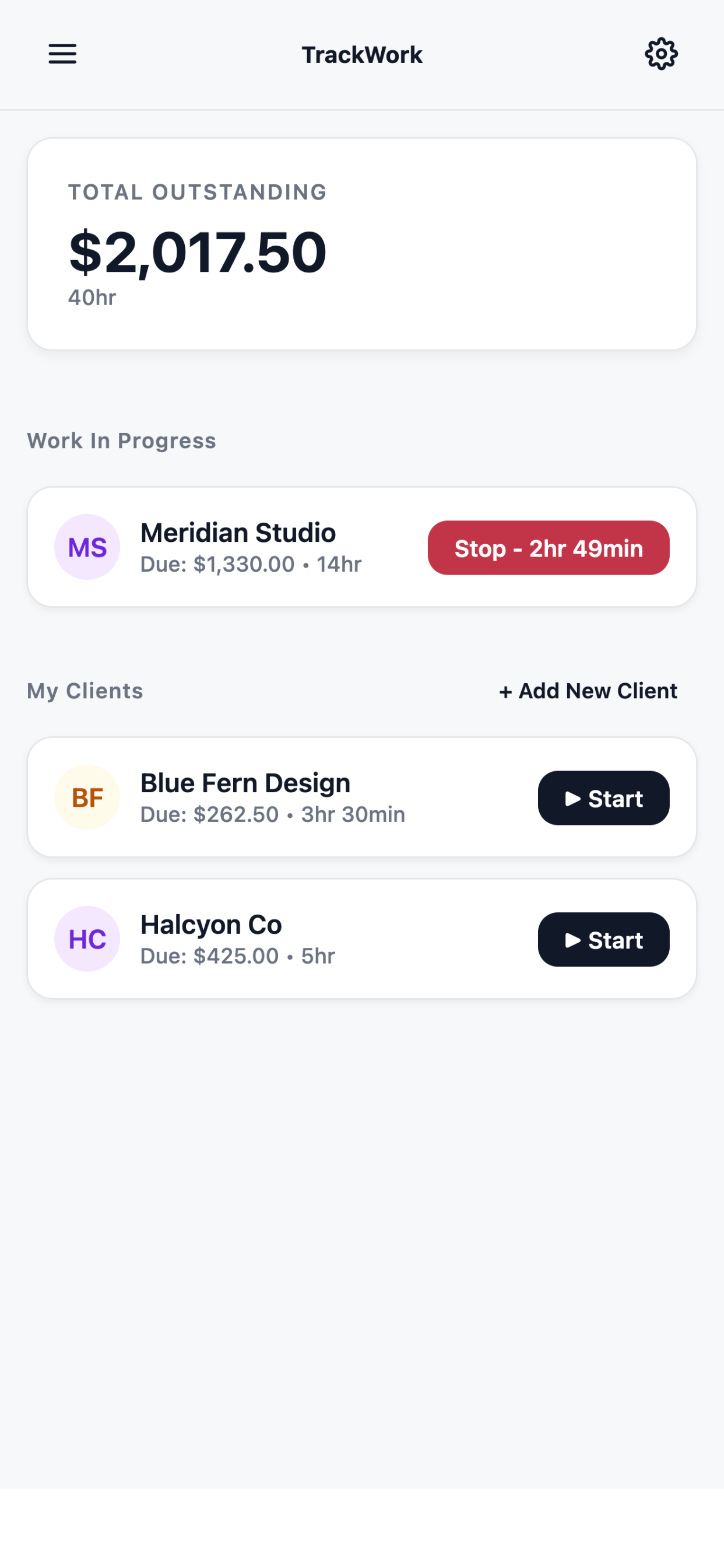
Every client shows the hours logged and what is still unbilled, so you know the number before you ask for it.
Export the timesheet
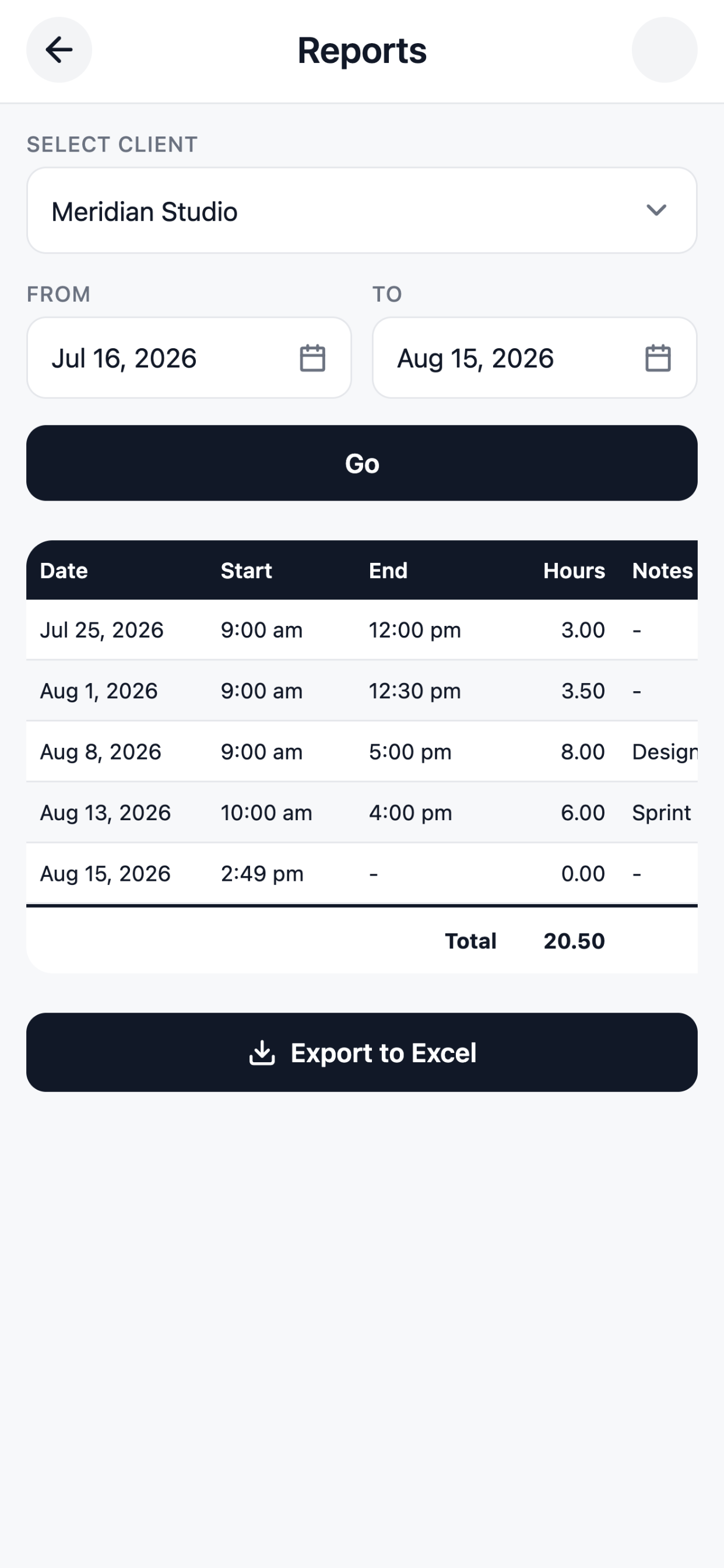
Pull any client and date range into a spreadsheet from the iPhone app, with every session and its notes, for the times someone wants it their way.
Everything in the time tracking
- A timer per client. Hours land against the right person as you work.
- Lock screen display. On iPhone, the client and the running clock, without unlocking.
- Manual entry. For the sessions everyone forgets to start.
- Crew size. Two people for three hours is six billable hours, worked out for you.
- A note per session. What the work was, which becomes the invoice line.
- Per-client rates. Because you do not charge everyone the same.
- Unbilled totals. Hours and money outstanding, per client.
- Spreadsheet export. Any client, any date range, from the iPhone app.
- Phone and browser. The same record in both.
- Free to use. No seat count, and no card details anywhere.
Questions
Does the timer run if I close the app?
Yes, and it survives a restart. It records a start and an end rather than counting while you watch.
What if I forget to start it?
Add the session afterwards with the same detail as a timed one.
Can I fix a session?
Any unbilled session can be edited or deleted. Once invoiced the times are fixed, but the note stays editable.
Is there a desktop version?
Yes. The web app runs in any browser on the same account.
Start tracking today
Free to use. TrackWork records payments and never processes them, so there is no transaction fee and no card details anywhere.